Keyboard distance
Sitting close enough that your elbows stay near your sides, rather than reaching forward across the desk.
Everyday, general-information notes on the small geometry of a desk: where the screen sits, how far you reach, and how light lands on your work.
Updated today.
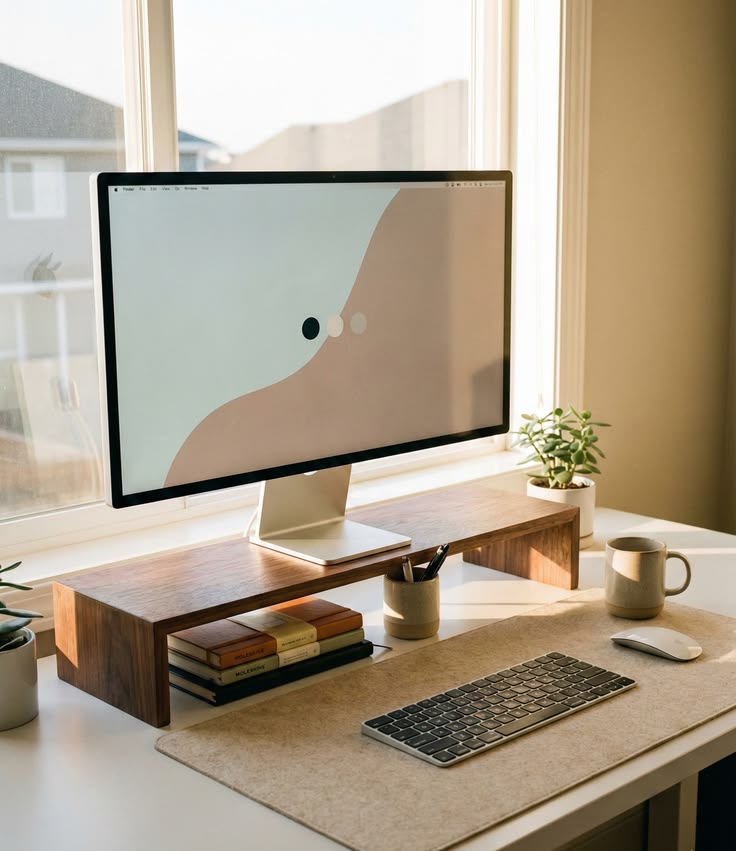
A common starting point is to set the screen so the top of the display sits roughly level with your eyes when you look straight ahead. Many people find this lets the head balance comfortably rather than tipping down toward a low laptop.
A stack of books, a dedicated riser or an adjustable arm can all raise a screen. There is no single right height — adjust until looking ahead feels natural.
Where your keyboard, mouse and notes sit shapes how often you stretch or twist.
Sitting close enough that your elbows stay near your sides, rather than reaching forward across the desk.
Keeping the mouse or trackpad at the same level and within an easy arc of the keyboard.
Placing a notebook or second screen where you can glance across without a full turn of the neck.
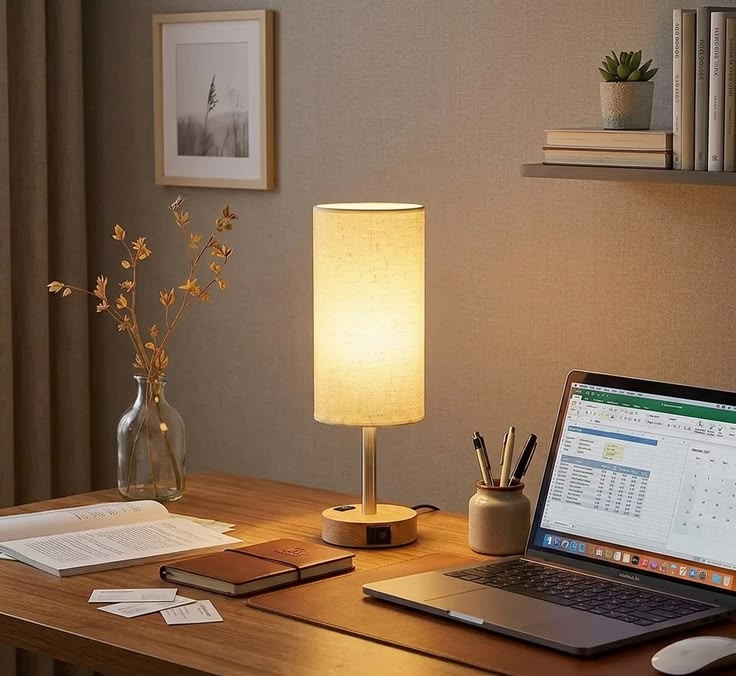
Light has a quiet effect on how easy a screen is to read. Many people place the desk so a window sits to the side rather than directly in front of or behind the screen, which can otherwise wash out the display or cast a reflection.
Rather than chasing one perfect pose, many people find it more useful to change position gently through the day.
Easing between sitting upright, leaning back and standing keeps any single position from becoming the only one.
Reading, calls or quick notes can be a natural moment to stand if your desk or a counter allows it.
A short walk to refill a glass of water is an easy way to break up a long stretch at the desk.
Send a short message and we will share general thoughts you can weigh up for your room and routine.
Go to contact