Depth
Enough distance front to back so the screen can sit roughly an arm's length away with the keyboard still on the desk.
A room-by-room way of thinking about where things live on and around your desk. Read it top to bottom, or jump to the part you are wrestling with right now.
Updated today.
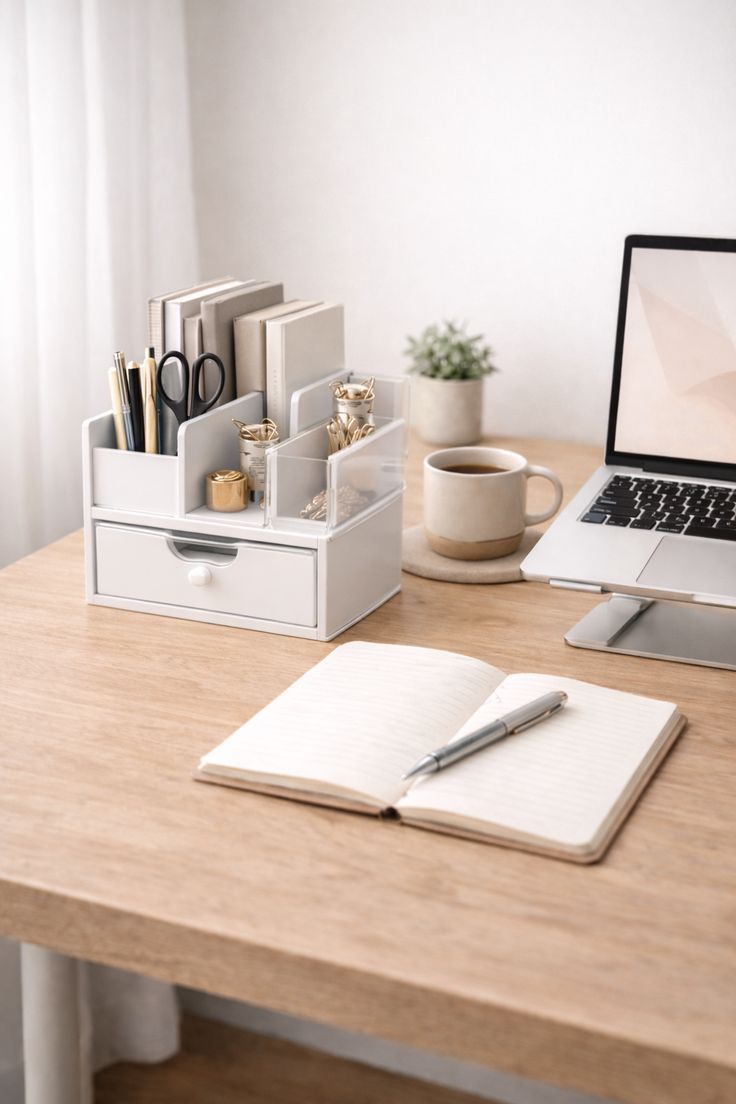
Most desks drift into disorder because everything competes for the same patch of surface. One simple approach is to picture the desk as a few loose zones: one for the screen, one for your hands, one for the notes and items you reach for often, and one quiet corner for everything that can wait.
There is no single correct map. The point is to decide on purpose rather than letting the day decide for you.
The back third of the desk, where a monitor or propped laptop sits. Keeping this edge clear gives the screen room to move forward or back.
The middle band for your keyboard, mouse or trackpad. Leaving space on either side means your forearms are not boxed in.
The near corner of your dominant side, for a notebook, pen and the cup you refill through the day.
A far corner or nearby tray for chargers, post and anything that does not need to be in arm's reach.
Three things worth measuring before you rearrange anything.
Enough distance front to back so the screen can sit roughly an arm's length away with the keyboard still on the desk.
Space on each side of the keyboard so notes, a mouse or a drink are not stacked on top of your work.
A clear strip at the front edge where your wrists can rest and the desk feels open rather than packed.
Your chair shapes how everything else lines up. A few general checks can help you notice whether the seat is working with you or against you through a long stretch of focus.
A single clip or sleeve under the desk keeps charging cords from sliding off the edge and tangling around your feet. Group them by where they go rather than by colour.
A shallow tray or small drawer for pens, sticky notes and a charger means the surface resets quickly at the end of the day.
Leaving the area under the desk open lets your chair move freely and keeps your feet from negotiating around a power board.
Closing the day by returning three things to their spot is usually enough to start the next morning with a clear surface.